
Windows & Linux · Free on Microsoft Store and direct download

IronPulse
for Windows and Linux
Live system vitals on a slim widget that sits with your taskbar or panel, not another window to manage.
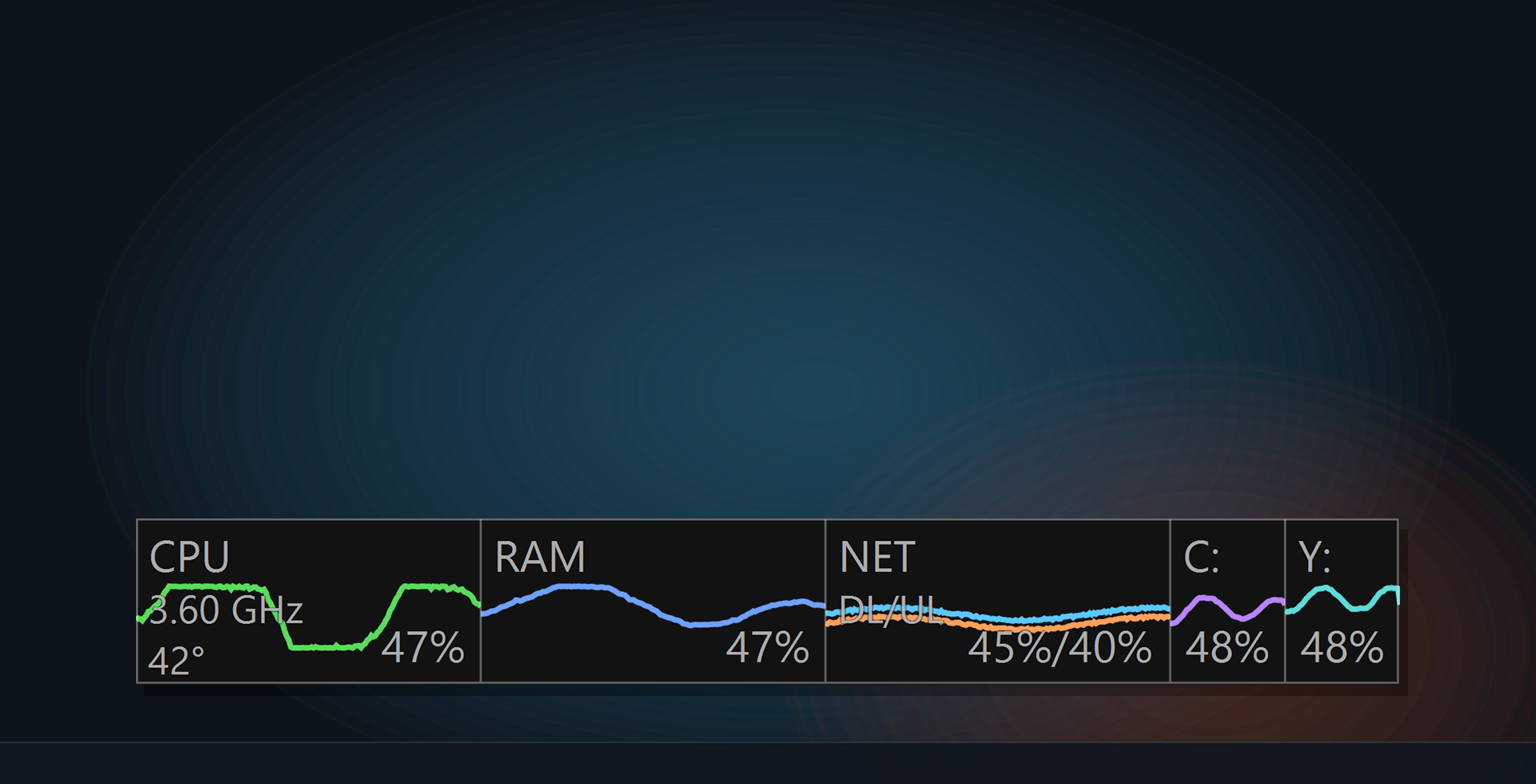
What’s on the bar
One glance covers the numbers you check when something feels slow.
-
CPU
Clock, temperature, and load on a live sparkline.
-
RAM
Memory pressure as a clean percentage and trace.
-
NET
Download and upload rates on one compact strip.
-
Drives
Capacity bars for the volumes you choose to watch.
Built to stay out of the way
-
Tray first
Scale, font size, screen corner, and which gauges to show, all from the tray or panel menu. Start with the OS when you want it always there.
-
Local only
Runs on your machine. No account. No telemetry by default.
Get IronPulse
Free on the Microsoft Store for Windows, signed by Microsoft so Windows trusts the install.
Linux Mint, Ubuntu, and Debian use the v1.1.0 ironpulse_1.1.0-1_all.deb
package hosted on ironwoodapps.com. Pick the package for your system.
Windows 10/11 · free Microsoft Store install, signed by Microsoft
Windows (Microsoft Store)
1. Open the Microsoft Store listing.
2. Click Get / Install.
3. Launch IronPulse from the Start menu. Right-click the widget or tray icon for scale, gauges, and startup.
Guides: Taskbar CPU and RAM monitor · System tray resource monitor
Privacy: IronPulse Privacy Policy · Also see IronGuard, IronSync, and IronBat · Support: support@ironwoodapps.com