
Windows & Linux · Free on Microsoft Store and direct download

IronSync
for Windows and Linux
Folder sync you can trust before you run it: analyze, schedule, or watch, on local and network paths.

Get IronSync
Free on the Microsoft Store for Windows (v2.1.1), with a matching direct Windows download on ironwoodapps.com. Linux packages are still v2.1.0. Pick the package for your system.
Windows 10/11 x64 · installer (Start menu, uninstall entry)
Windows setup install
1. Download the Windows setup.
2. Run IronSync-2.1.1-win-x64-Setup.exe and follow the installer.
3. Launch IronSync from the Start menu.
Guides: Sync two folders on Windows · Folder sync on Ubuntu / Linux · rsync-style GUI for Windows
Privacy: IronSync Privacy Policy · Android: IronSync for Android · Also see IronPulse · Support: support@ironwoodapps.com
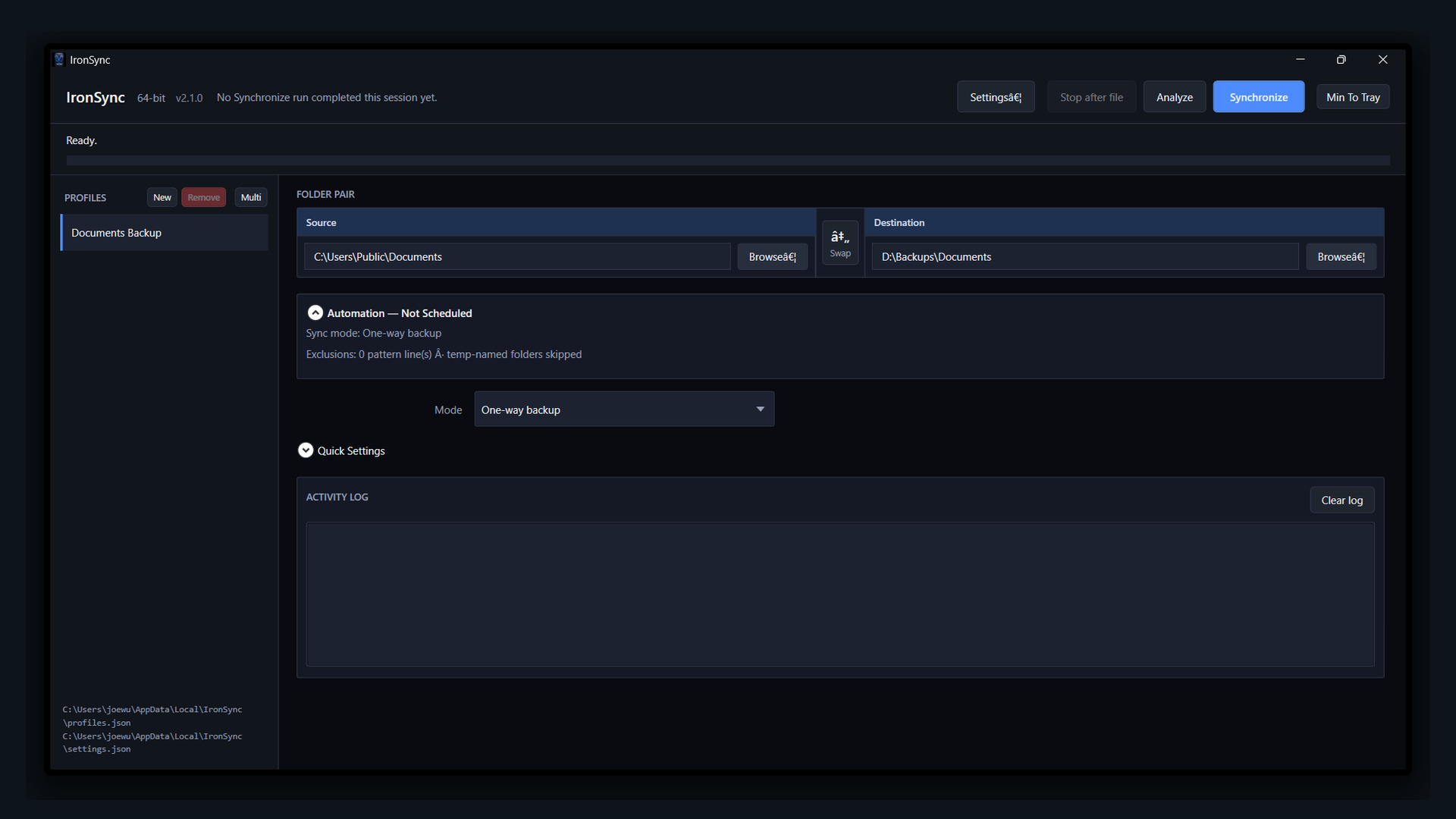
Modes that match the job
Pick the sync style per profile. Confirmations help when a mode can remove or relocate files.
-
One-way backup
Copy new and changed files to the destination without removing extras there.
-
One-way mirror
Make the destination match the source, including removing orphans when you confirm.
-
Two-way merge
Bring both sides up to date with conflict options you control.
-
One-way move
Move files to the destination when you intentionally want them relocated.
Built for real machines
-
Local and network paths
Sync between folders on this PC, mounted volumes, and network shares without an online account.
-
Analyze first
See what would copy, update, or delete before you commit a synchronize.
-
Stay local
Profiles and logs live on your machine. No Ironwood Apps login for core sync.